DS Theme Mate v2
An agentic AI design tool — Claude streaming live, themed React components from natural-language prompts — built on OKLCH Figma tokens bridged to a full ShadCN component library.
// context
Tokens defined in Figma never get exercised against real components until far too late, and engineers reverse-engineer intent from screenshots. DS Theme Mate v2 is the sandbox I built to close that gap — a Next.js app where Figma design tokens, ShadCN components, and an AI component generator share one surface, so design-to-code fidelity is verifiable in real time.
// the agentic core
The AI Mate accepts a natural-language prompt, streams a themed React component back via Anthropic ai-sdk, and renders it live via react-live — all without leaving the app. Output is constrained to the OFS token set, so every generated component is immediately usable, not illustrative.
// solution
- AI Mate — Claude streaming via ai-sdk; live preview through react-live; Framer Motion handles streaming reveal.
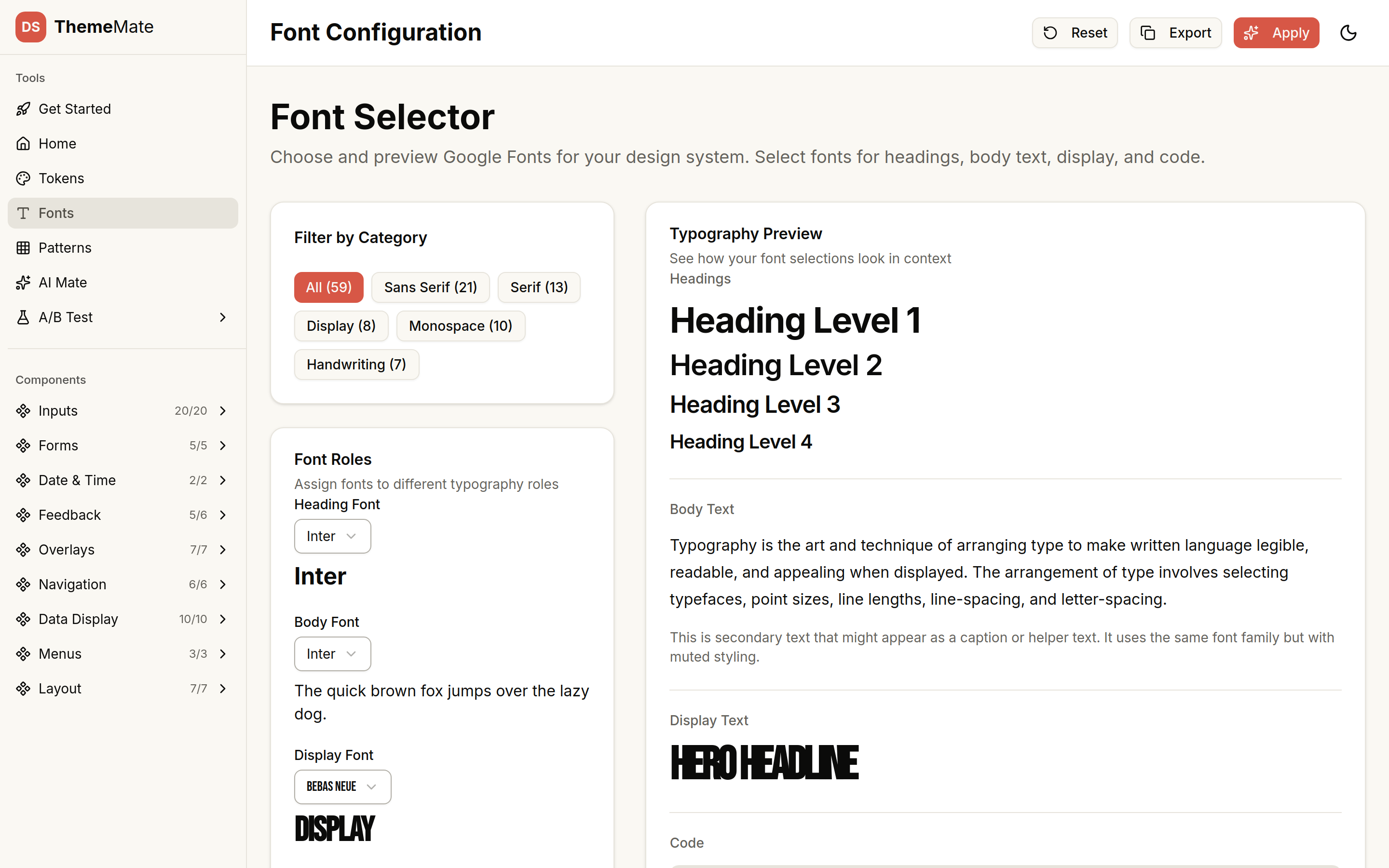
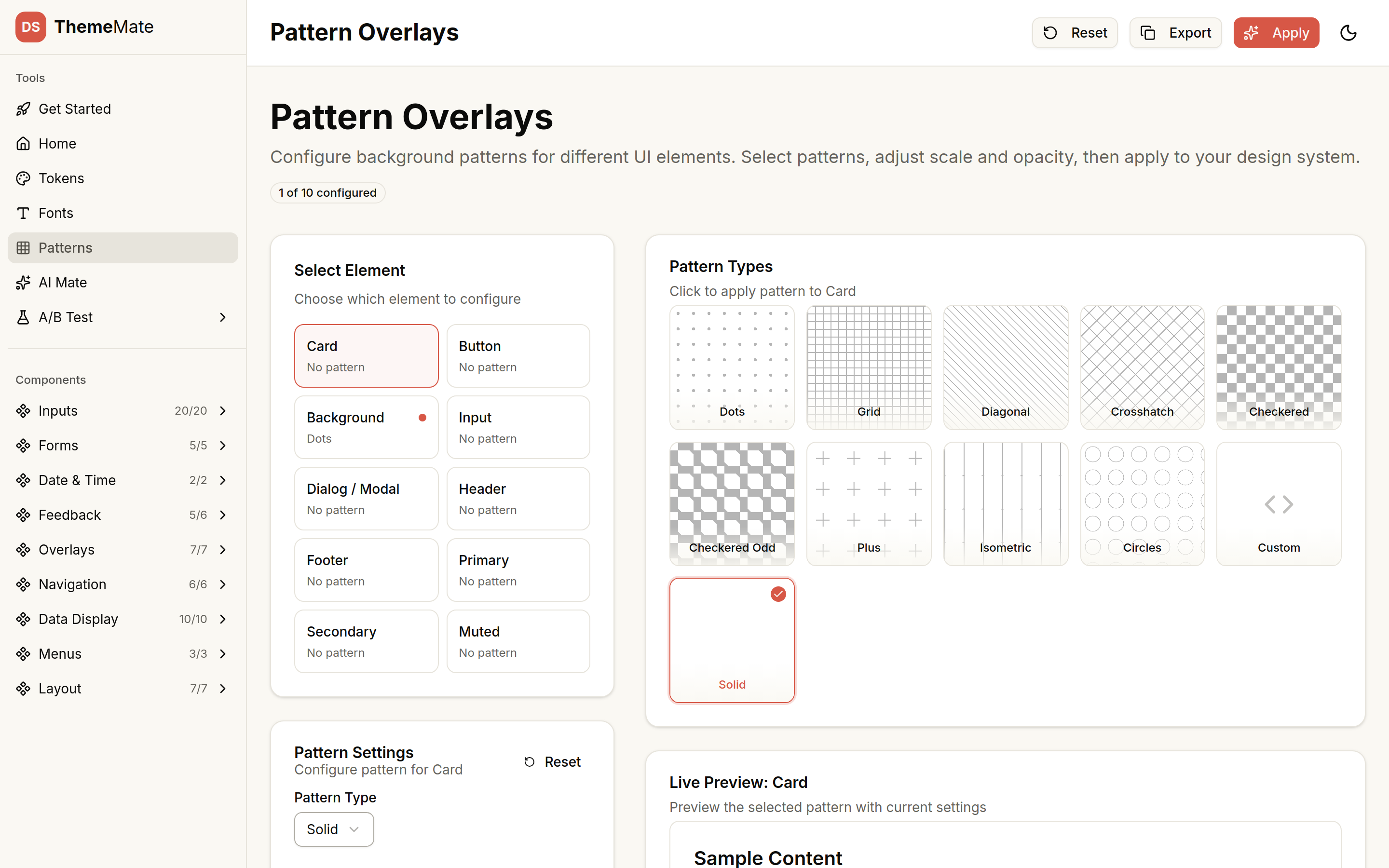
- Token Explorer — visual map of the full OKLCH token set; Figma variables to CSS custom properties; light/dark parity.
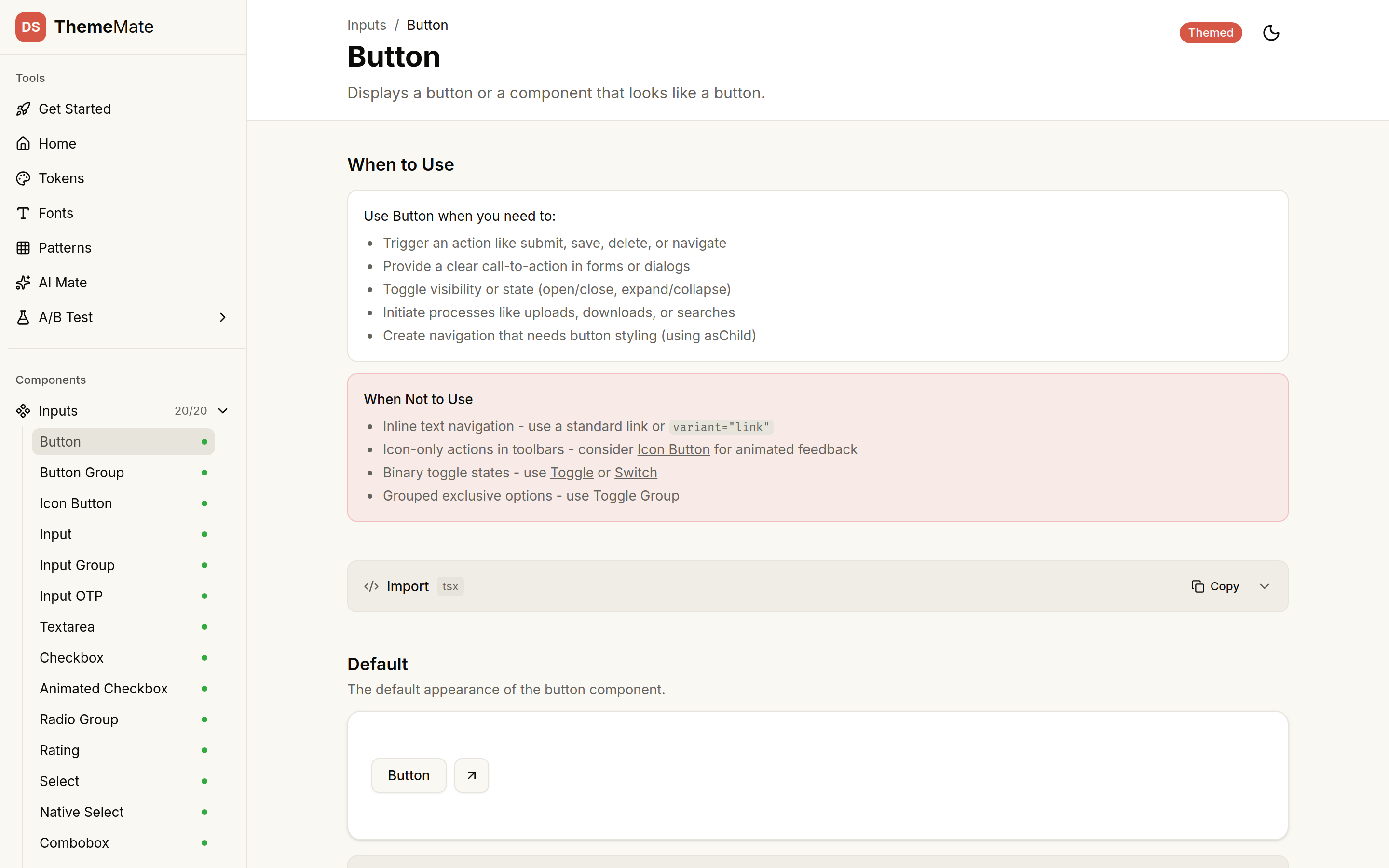
- Component Browser — 40+ ShadCN/Radix components themed end-to-end against the OFS Design Kit, code + preview side by side.
- Status as data — every component carries not-started / in-progress / themed so coverage is visible at a glance.
// status as data
Every component in the browser carries an explicit lifecycle state — not-started, in-progress, themed — surfaced in the UI itself. Treating coverage as a first-class data attribute (instead of a Notion table that drifts out of sync) means the app is the single source of truth for theming progress. A glance answers "what's left?" without leaving the tool.
// tradeoffs
- OKLCH over HSL — perceptually-uniform color math means token retints (e.g. light → dark, OFS → another brand) preserve contrast intent across the whole component surface, not just the swatches.
- AI emits react-live-compatible code — the prompt contract constrains output to a renderable subset, so the streamed component IS the preview. No copy-paste, no "looks great in chat, breaks on paste."
- Single Next.js app, not three tools — Component Browser, Token Explorer, AI Mate share one route tree, one token import, one auth boundary. Token change in Figma → instant render across all three pillars.
// outcome
- shipped + liveA working agentic AI design tool, not a prototype.
- agentic loop closes in-appClaude streaming via Anthropic ai-sdk → react-live preview → Framer Motion reveal — no copy-paste, no context switch.
- 40+ themed componentsFull ShadCN/Radix surface themed end-to-end against the OFS Design Kit.
- Figma → code parityOKLCH token mapping IS the parity contract. Token change → instant render across all three pillars.